
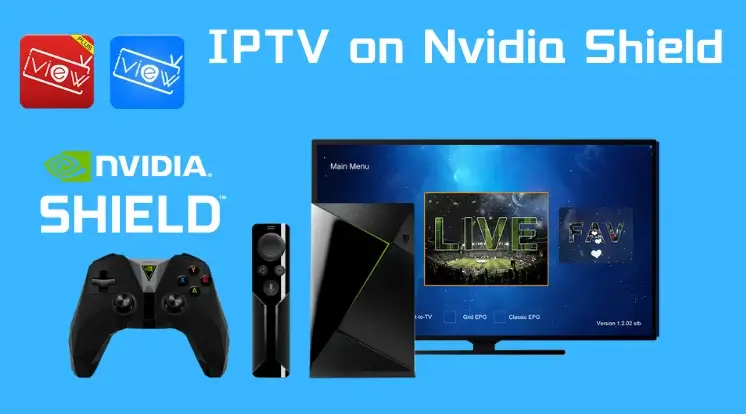
How to Install DEIPTV on NVIDIA Shield
Installing DEIPTV on an NVIDIA Shield is simple thanks to the device’s Android-based system. You can stream live TV and Video on Demand (VOD) content using compatible IPTV apps from the Google Play Store or by sideloading. Follow this step-by-step guide to get started. Step 1: Allow Apps from Unknown Sources (if needed) If you want to sideload an IPTV app (install an app outside the Google Play Store): Note: If you install the app directly from the Google Play Store, this step is not required. Step 2: Install an IPTV Player from Google Play Store Popular IPTV players compatible with DEIPTV include IPTV Smarters, TiviMate, or VLC Media Player. Step 3: Enter Your DEIPTV Subscription Details You can find all subscription information and support via DEIPTV Contact. Step 4: Start Streaming DEIPTV Optional: Sideloading an IPTV App If your IPTV app isn’t available on Google Play: Tips for Smooth Streaming Installing DEIPTV on your NVIDIA Shield ensures a seamless, high-quality IPTV experience with access to a wide range of live TV channels and on-demand content.