
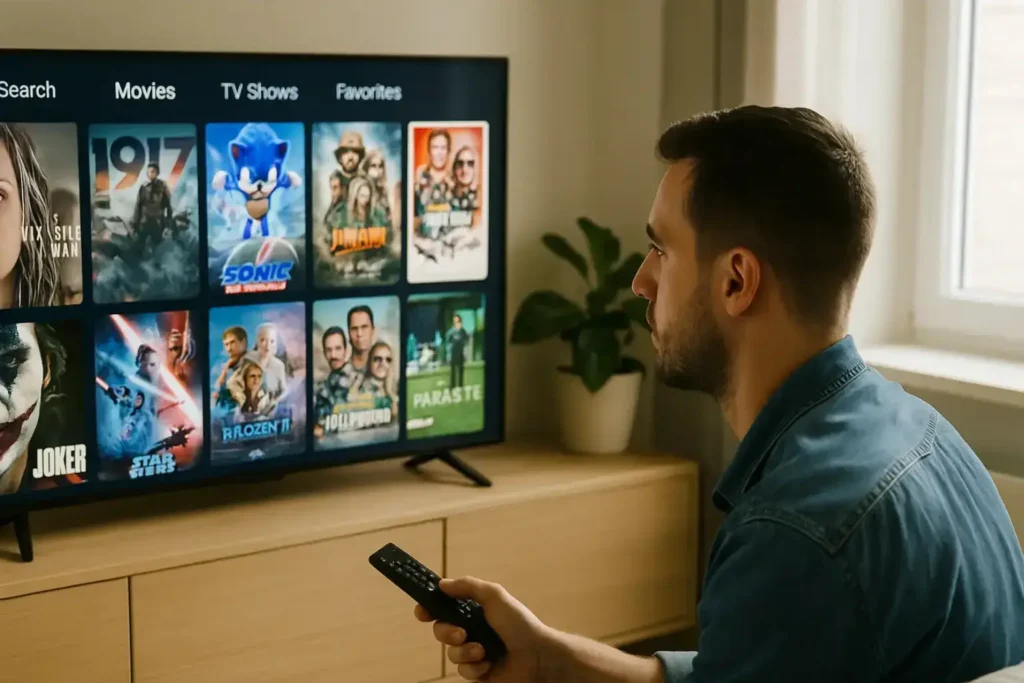
How to Set Up IPTV Easily: A Complete Beginner’s Guide with DEIPTV
Setting up IPTV is easier than many people think. With the right provider, compatible devices, and a stable internet connection, you can enjoy live TV, movies, sports, and on-demand content from anywhere. This guide will walk you step by step through the IPTV setup process and help you get the best experience with DEIPTV. If you are new to IPTV, you may also want to read What Is IPTV and How It Works for a full introduction before continuing. 1. Choose a Reliable IPTV Provider The first and most important step is selecting a trustworthy IPTV provider. A good provider ensures smooth streaming, high image quality, and responsive customer support. When choosing an IPTV service, make sure it offers: DEIPTV is designed to meet all these criteria, offering a wide channel selection and reliable performance. You can explore available plans on the DEIPTV Pricing Page to find the subscription that suits your needs. For a deeper comparison, you can also check The Ultimate Guide to IPTV Providers. 2. Make Sure You Have the Right Device IPTV works on many modern devices, making it flexible and convenient. You can use DEIPTV on: For the best performance, ensure your device software is up to date. If you want to optimize your setup further, this guide may help:👉 Understanding the Perfect IPTV Set-Up 3. Install an IPTV Application A. Firestick or Android TV You can find a detailed walkthrough here:👉 How to Install IPTV Smarters Pro on Windows👉 How to Install IPTV on IBO Player B. PC or Smartphone 4. Enter Your IPTV Subscription Details Once the app is installed, you will need to log in using the details provided by your IPTV service. You may be asked to enter: After entering the correct details, the app will load your channel list automatically. 5. Enjoy Your IPTV Service After setup is complete, you can start watching: If you are interested in sports content, don’t miss:👉 Sports Streaming with IPTV in 2026 Frequently Asked Questions (FAQ) Is IPTV Legal? IPTV itself is legal, but legality depends on the provider. Always choose a service that respects content regulations and operates transparently. Learn more in IPTV Security & Privacy in 2026. How Is IPTV Different from Cable TV? Unlike traditional cable, IPTV uses the internet to deliver content, offering on-demand viewing, better flexibility, and multi-device access. Does IPTV Require a Subscription? Yes, most IPTV services operate on a subscription basis. You can compare options on the DEIPTV Pricing Page. Can I Use IPTV While Traveling? Yes, many IPTV services work internationally. If you face restrictions, using a VPN may help. How Can I Improve Streaming Quality? For advanced quality options, see:👉 HD, UHD, and 4K Streaming in IPTV Need Help or Support? If you have any issues or questions, the DEIPTV support team is ready to help. Visit the Contact Us Page or learn more about the service on the About Us Page.